FlowMorph

Get Early Access View Results

About FlowMorph

FlowMorph is a Windows desktop application that transforms two still images into a single, GPU-accelerated animated morph. This website is its official landing page, where Early Access users sign in with Google for account-linked beta access and version updates. Early Access includes a free upgrade to version 1.0. The desktop application runs fully offline and does not connect to Google or any cloud service.

App Functionality

A creative tool for image morphing — load two images, tune four physics parameters (resolution, proximity, speed, force), preview at 60fps, and export as GIF. All processing is local.

Why We Request Your Data

We use Google sign-in only for Early Access account features, website downloads where applicable, beta usage records, and update notifications. It is never used by the desktop app itself.

Data We Access

Only your email address and display name. We do not access contacts, calendar, Drive, or any other Google data. See our Privacy Policy.

Live Preview

Watch the pixels move.

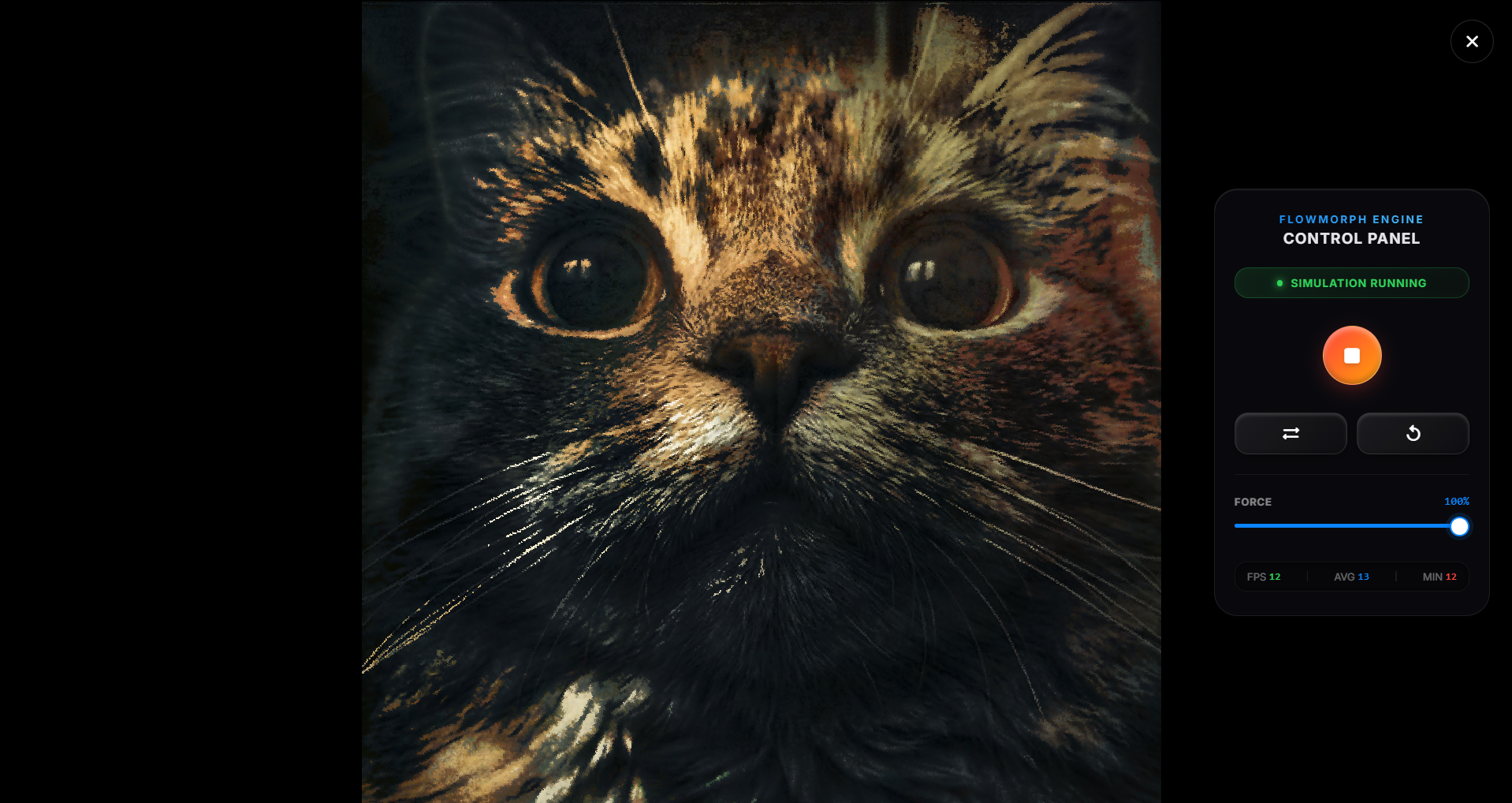
FlowMorph turns two still images into a moving field of color, direction, and texture.

[ Looping .mp4 — autoplay muted loop ]

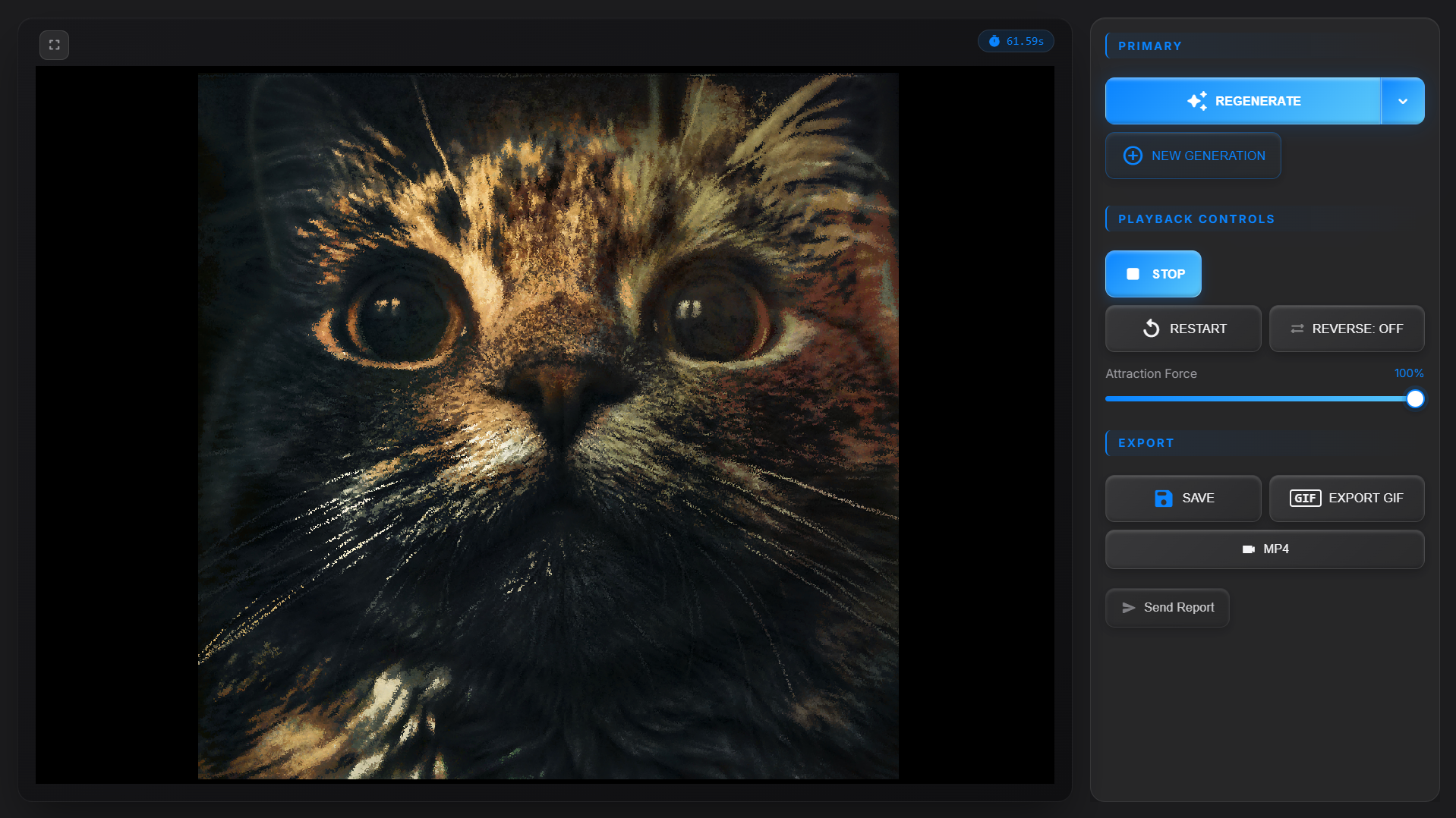
Actual FlowMorph output — no post-processing

Actual FlowMorph output - no post-processing

60fps
Real-time Rendering
4
Physics Parameters
100%
Offline Processing
0ms
Cloud Dependency

Features

Everything you need.
Nothing you don't.

Built with Rust for maximum performance. Designed for creative professionals.

Pixel Physics Engine

Every pixel calculates its optimal path from source to target. Thousands flow simultaneously in a mesmerizing transformation.

🎛️

Full Parameter Control

Resolution. Proximity. Speed. Force. Four parameters, infinite variations — all from just two images.

🎬

Real-time Preview

Watch your morph come alive before exporting. Adjust parameters and see changes instantly at 60fps.

✂️

Smart Cropping

Built-in crop tool with face-alignment support. Overlap eyes for perfect portrait morphs.

📤

GIF Export

Export your morphing animations as animated GIFs. Share your pixel magic anywhere, instantly.

🎨

Dual Theme System

Sakura and Ocean themes — each transforms the entire interface with carefully crafted palettes.

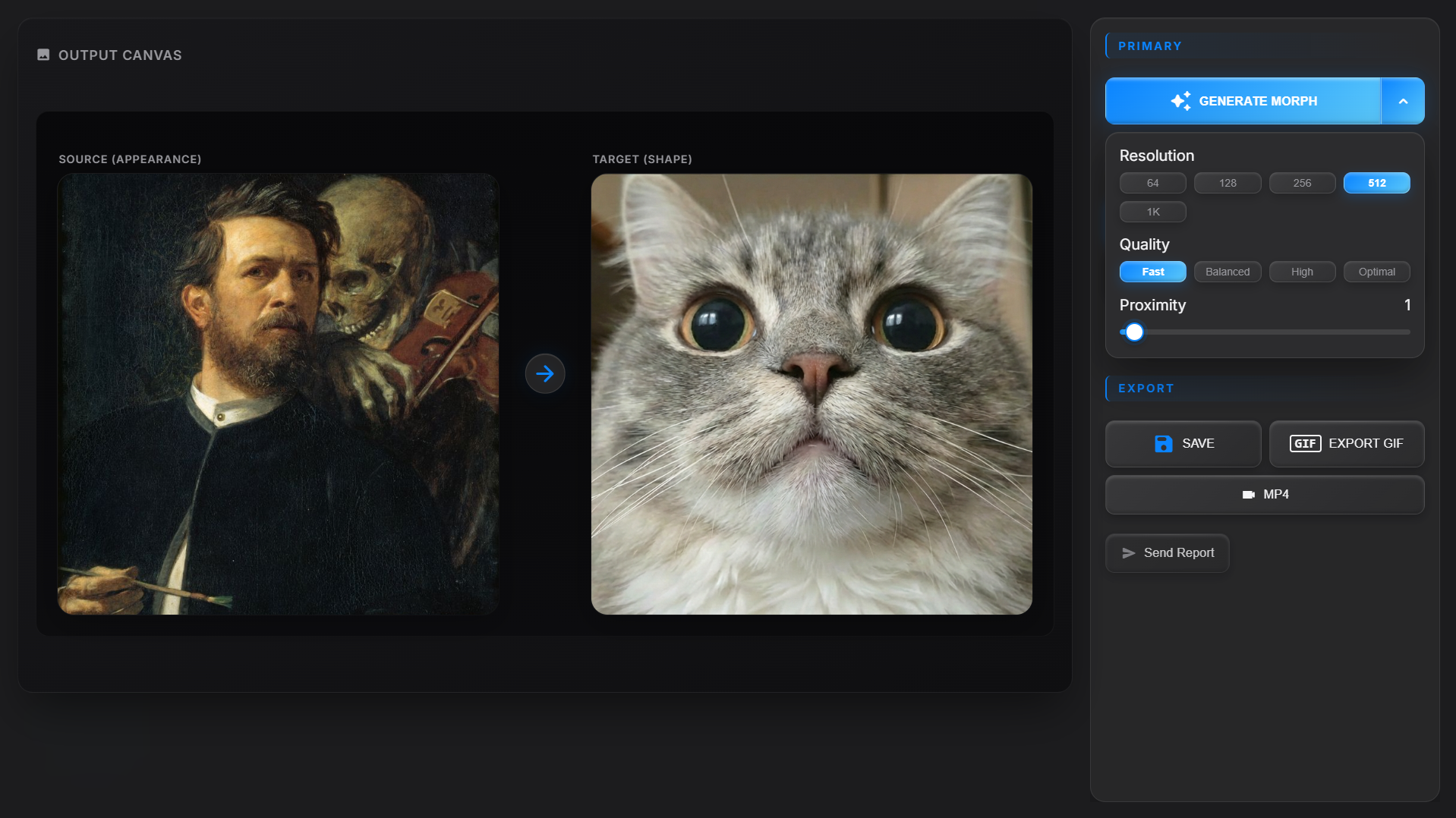
App interface
App Interface
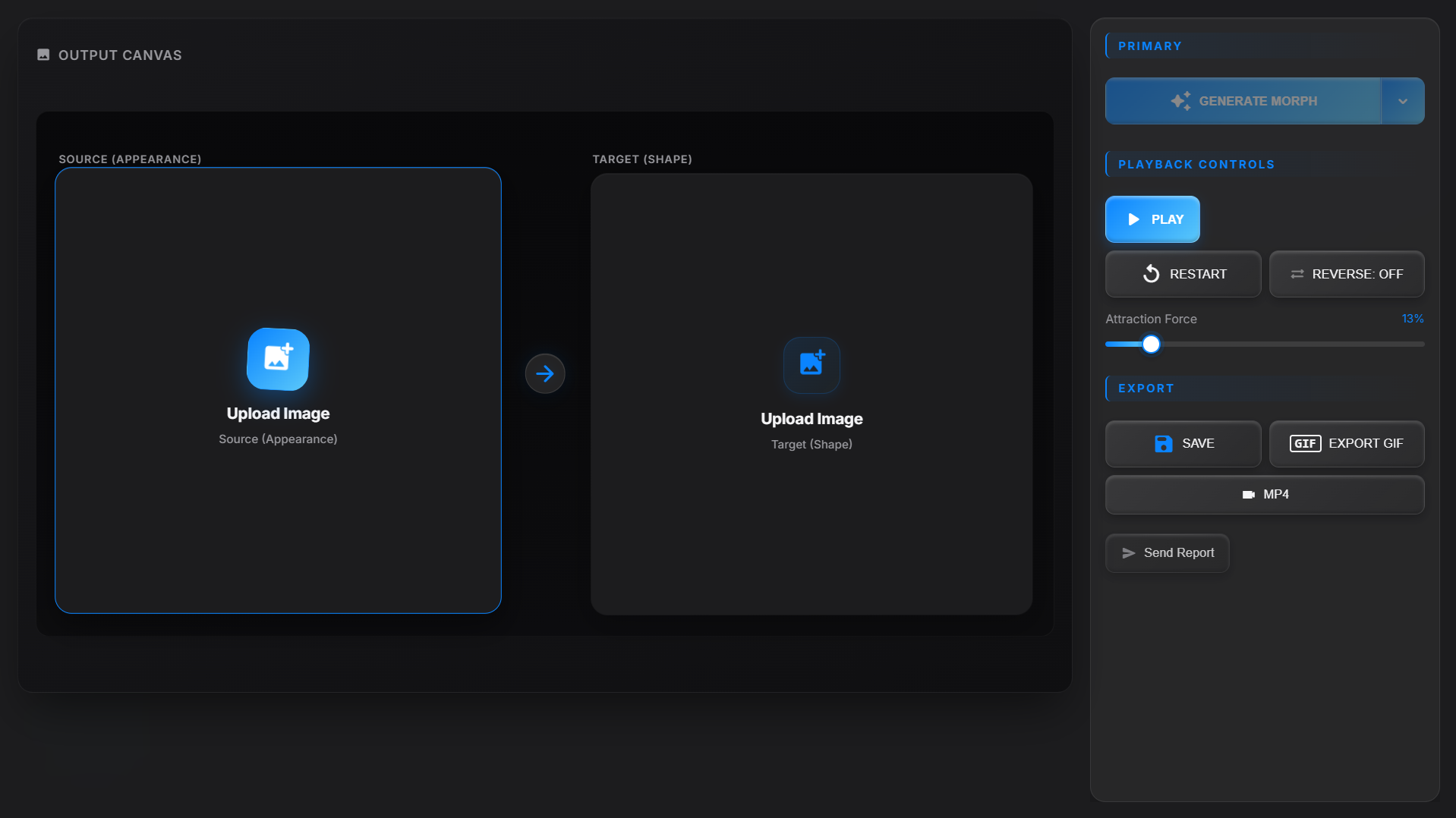
Choose a source and target image
Choose a Source & Target Image
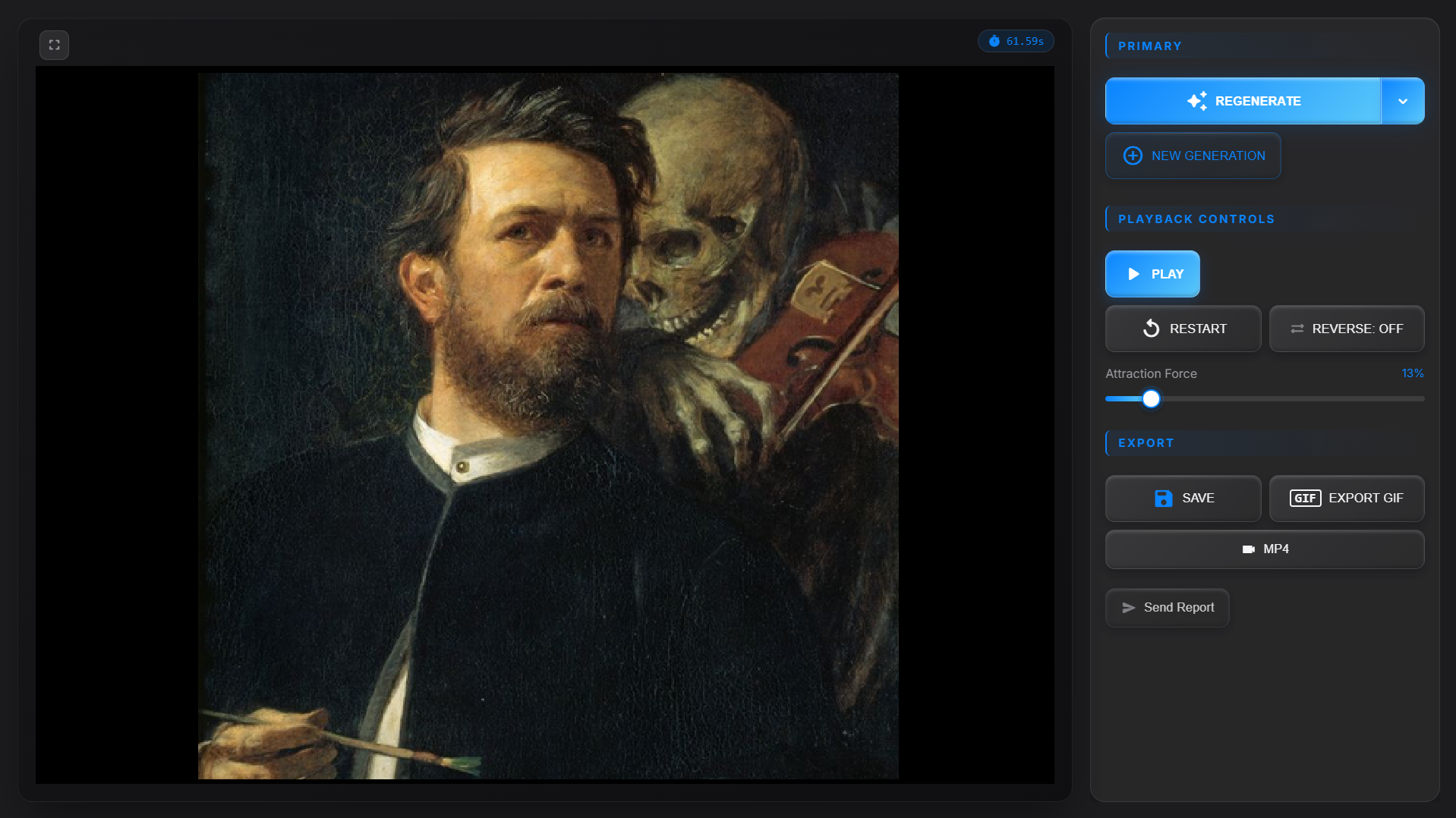
Source morphs into target
Source Morphs into Target
Live pixel preview and export
Watch Pixels Move Live, Then Export
Fullscreen preview mode
Fullscreen Preview Mode

Under the Hood

Built different.

Engineered from the ground up in Rust for uncompromising performance.

🦀

Rust Core

Zero-cost abstractions, memory safety, and fearless concurrency. The engine that powers everything.

🖥️

Tauri 2 Framework

Native desktop performance with React 19 frontend. Smaller, faster, more secure than Electron.

🔒

Fully Offline

Image processing stays on your machine. Google sign-in is required for Early Access account features and website downloads where applicable. Optional beta reports are handled separately.

System Requirements

What you need.

Requirements
OS Windows 10/11 (64-bit)
CPU Intel Core i5 (8th gen+) or AMD equivalent
RAM 8 GB
GPU DirectX 11+ or Vulkan support
Storage 12 MB
* Note: Optimized for laptops with older integrated graphics. In testing, a Dell XPS 13 9360 (i7-7500U) showed acceptable results.
Early Access Beta

Ready to morph?

Two images in. Infinite possibilities out. Early Access includes a free upgrade to FlowMorph 1.0.

Beta • Windows 10/11 (64-bit)

About This App

What is FlowMorph?

FlowMorph is a standalone Windows desktop application for transforming two still images into a single, GPU-accelerated animated morph. This website is the official landing page where Early Access users sign in with Google for account-linked beta access, version updates, and feedback.

The Desktop App Runs Offline

Once downloaded, FlowMorph performs all image morphing, preview, and GIF export entirely on your device. The application does not connect to Google, does not sync to the cloud, and does not transmit your images. Google sign-in is used only by this website, never by the app itself.

Why Google Sign-In?

Sign-in with Google is required for Early Access account features and website downloads where applicable. It associates beta access with your account, helps us understand beta usage, and lets us notify you of new beta versions.

What Data We Access

Google sign-in provides only your email address and display name. We do not request access to your contacts, calendar, Drive files, or any other Google account data. Full details are in the Privacy Policy.

In short: FlowMorph is an offline desktop software product for creative image morphing. This website is its official landing page. Google sign-in is required for Early Access account features and website downloads where applicable, and exists solely for account-linked access, beta usage records, and feedback. It is limited to basic account information (email and name).

Early Access Beta

Sign in with Google

Sign in is required for Early Access account features, website downloads where applicable, and version updates.

By continuing with Google, you agree to our Terms of Use and Privacy Policy.